

AI task allocation begins with assigning a name and a specific task to each AI. Once a name is given, the question "Who should I assign this task to?" can be answered immediately, and the waste of repeatedly explaining the same task to multiple AIs is reduced.
Mrs. Lauren named the three AIs 'Manager Oh,' 'Section Chief Choi,' and 'Assistant Manager Na.' Manager Oh oversees operations, Section Chief Choi handles image processing, and Assistant Manager Na is responsible for data research and reserve personnel. This division wasn't established from the start. As they used the AIs, they realized each excelled at different tasks, so they organized those differences into names and roles.
Giving names may seem trivial, but it is highly effective. You no longer have to rack your brain trying to remember "which chat window this was done in" every time you assign a task, and when results are unsatisfactory, you can immediately see which role needs improvement. It follows the same principle as assigning job titles and responsibilities to human employees.
What changes if you give AI a name?
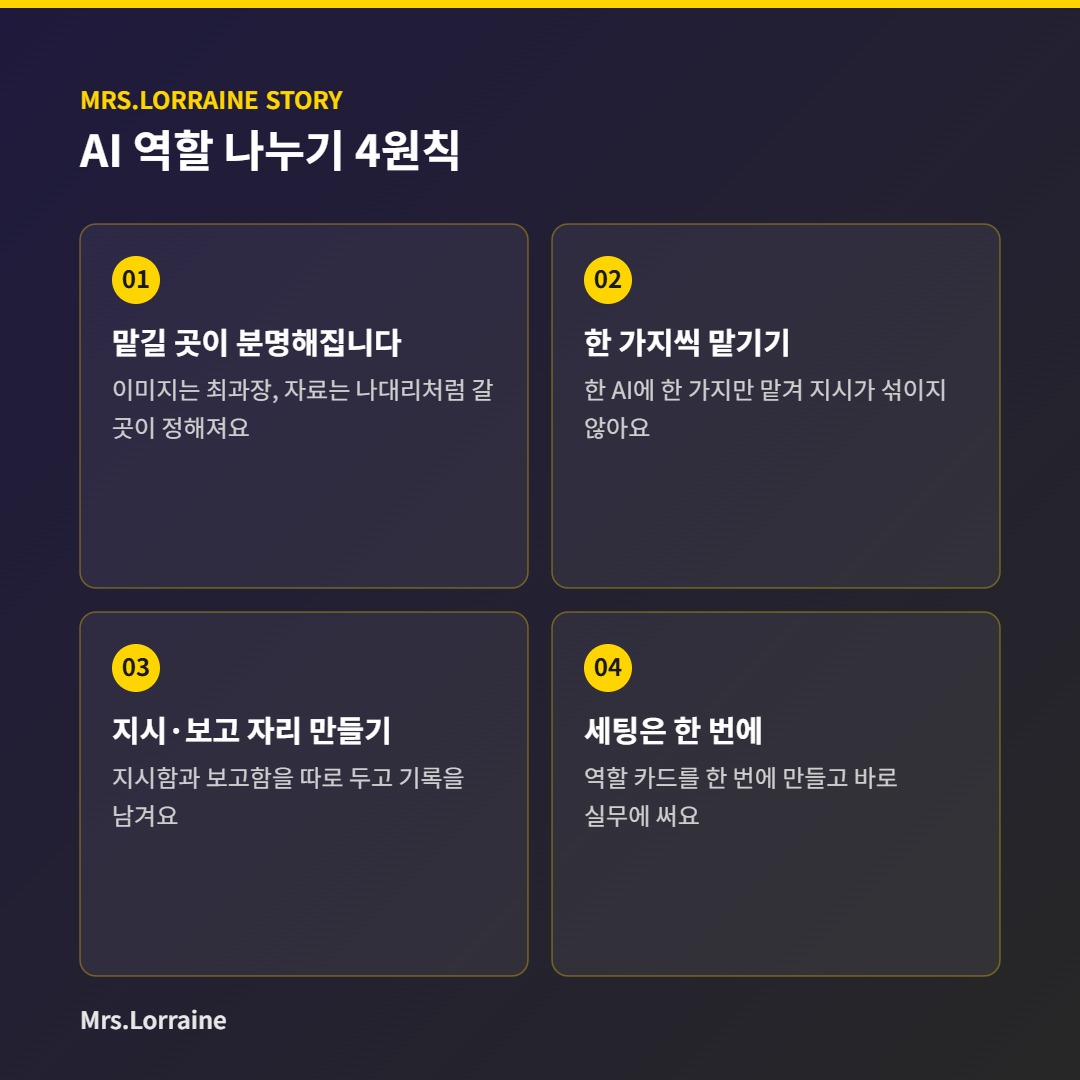
First, it becomes clear who to assign tasks to. Each type of work has a designated person to go to, such as Manager Choi if images are needed, or Assistant Manager Na if lengthy documents need to be summarized.
Second, you assign one task to each AI. If you mix various things into a single conversation, the earlier instructions get mixed up with the later ones. Dividing roles makes the conversation cleaner.
Third, a space is created for instructions and reports. Mrs. Lauren kept the instruction box and the report box separate, allowing the AI to receive tasks there and record the results. This makes it easy to find out later who did what.
Fourth, I learned that the setup must be completed in one go. Repeatedly exchanging the same explanations while testing roles actually took more time. It was better to create role cards once and use them immediately for the actual work.
How should I start, boss?
It is fine even if you are using only one AI. Divide the chat windows by task type and write the role at the beginning of each conversation. For example, a single line like, "You are in charge of our store's social media captions," is sufficient. The next time you need to do the same task, you can simply return to that chat window.
You only need to write three things on the role card: what the AI handles, what it does not handle, and how the results will be recorded. With these three lines, you can immediately continue working in the same role even when starting a new conversation. Please keep the cards in a notepad or folder that the boss frequently accesses.
You don't need to create many roles from the start. Choose the task you assign most frequently, give it a name, and refine the card while using it for about a week. It is less burdensome to create another role once that one is established.
Frequently Asked Questions
Do I need to use multiple AIs to divide the work?
No. Even with a single AI, work can be divided by separating the chat windows by role. You can simply increase the number of AIs as needed.
Do I have to give it a name?
It isn't absolutely necessary. However, having a name makes things more convenient when people talk to each other, as it allows for immediate communication, such as saying, "That's Manager Choi's job.".
When do you switch roles?
If the results of the same task remain unsatisfactory, then transfer the role. Immediately note the changes on the role card.
Just like human employees, AI employees need names and positions for work to be divided. In the next installment of Manager Oh's Work Log, I will discuss the habit of filtering out numbers generated by AI.